 91beb8c2dc
Production correct-credential login returned auth_unavailable 503 because
Flask's SECRET_KEY was unset: wrong-password probes stopped at 401 before
CSRF token issuance, while valid credentials reached _csrf_serializer()
and crashed. App factory now rejects absent/short (<32 char) SECRET_KEY at
startup, and docker_entrypoint.sh fails fast before migration/services.
Bootstrap no longer passes ADMIN_PASSWORD in process arguments; env-only.

Tests: app-factory + entrypoint regression (5 focused passed), full
backend suite 204 passed. Independent review PASS.

简洁通用的群体智能引擎,预测万物
A Simple and Universal Swarm Intelligence Engine, Predicting Anything









⚡ Overview
CrowdSight is a next-generation AI prediction engine powered by multi-agent technology. By extracting seed information from the real world (such as breaking news, policy drafts, or financial signals), it automatically constructs a high-fidelity parallel digital world. Within this space, thousands of intelligent agents with independent personalities, long-term memory, and behavioral logic freely interact and undergo social evolution. You can inject variables dynamically from a "God's-eye view" to precisely deduce future trajectories — rehearse the future in a digital sandbox, and win decisions after countless simulations.
You only need to: Upload seed materials (data analysis reports or interesting novel stories) and describe your prediction requirements in natural language
CrowdSight will return: A detailed prediction report and a deeply interactive high-fidelity digital world
Our Vision
CrowdSight is dedicated to creating a swarm intelligence mirror that maps reality. By capturing the collective emergence triggered by individual interactions, we break through the limitations of traditional prediction:
- At the Macro Level: We are a rehearsal laboratory for decision-makers, allowing policies and public relations to be tested at zero risk
- At the Micro Level: We are a creative sandbox for individual users — whether deducing novel endings or exploring imaginative scenarios, everything can be fun, playful, and accessible
From serious predictions to playful simulations, we let every "what if" see its outcome, making it possible to predict anything.
🌐 Live Demo
Welcome to visit our online demo environment and experience a prediction simulation on trending public opinion events we've prepared for you: crowdsight-live-demo
📸 Screenshots
 |
 |
 |
 |
 |
 |
🎬 Demo Videos
1. Wuhan University Public Opinion Simulation + CrowdSight Project Introduction
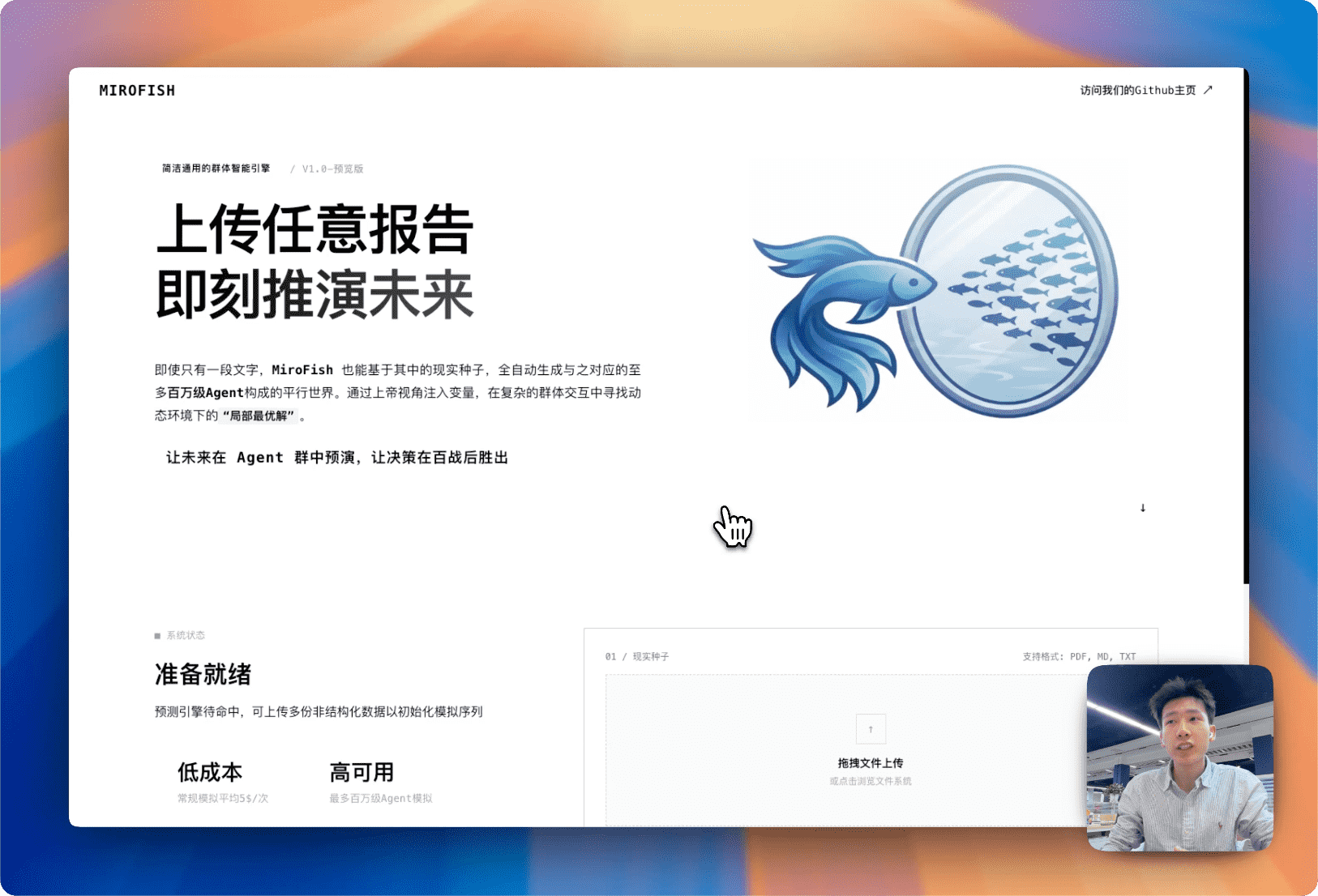
Click the image to watch the complete demo video for prediction using BettaFish-generated "Wuhan University Public Opinion Report"
2. Dream of the Red Chamber Lost Ending Simulation
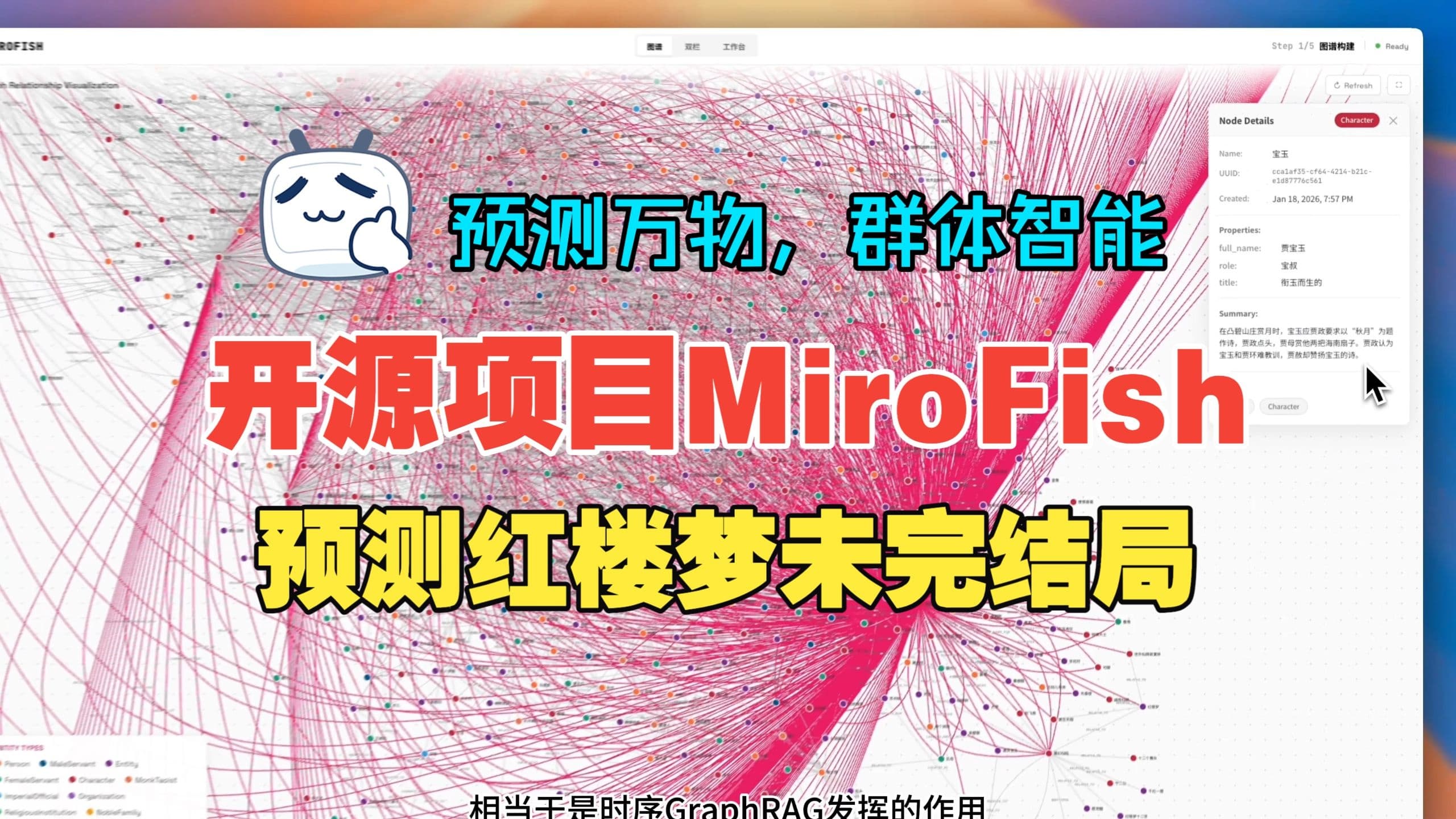
Click the image to watch CrowdSight's deep prediction of the lost ending based on hundreds of thousands of words from the first 80 chapters of "Dream of the Red Chamber"
Financial Prediction, Political News Prediction and more examples coming soon...
🔄 Workflow
- Graph Building: Seed extraction & Individual/collective memory injection & GraphRAG construction
- Environment Setup: Entity relationship extraction & Persona generation & Agent configuration injection
- Simulation: Dual-platform parallel simulation & Auto-parse prediction requirements & Dynamic temporal memory updates
- Report Generation: ReportAgent with rich toolset for deep interaction with post-simulation environment
- Deep Interaction: Chat with any agent in the simulated world & Interact with ReportAgent
🚀 Quick Start
Option 1: Source Code Deployment (Recommended)
Prerequisites
| Tool | Version | Description | Check Installation |
|---|---|---|---|
| Node.js | 18+ | Frontend runtime, includes npm | node -v |
| Python | ≥3.11, ≤3.12 | Backend runtime | python --version |
| uv | Latest | Python package manager | uv --version |
1. Configure Environment Variables
# Copy the example configuration file
cp .env.example .env

# Edit the .env file and fill in the required API keys
Required Environment Variables:
# LLM API Configuration (supports any LLM API with OpenAI SDK format)
# Option 1 (Recommended): Use provider preset - just set provider name and API key
LLM_PROVIDER=deepseek
LLM_API_KEY=your_api_key

# Option 2: Manual configuration (compatible with original method)
# LLM_BASE_URL=https://api.deepseek.com/v1
# LLM_MODEL_NAME=deepseek-chat

# Zep Cloud Configuration
# Free monthly quota is sufficient for simple usage: https://app.getzep.com/
ZEP_API_KEY=your_zep_api_key
Supported LLM Providers:
| Provider | LLM_PROVIDER |
Default Model | Notes |
|---|---|---|---|
| DeepSeek | deepseek |
deepseek-chat |
Cost-effective, reasoning model available (deepseek-reasoner) |
| Xiaomi MiMo | xiaomi_mimo |
mimo-v2.5-pro |
Fast inference, competitive performance |
| OpenAI | openai |
gpt-4o-mini |
Industry standard |
| Alibaba DashScope | alibaba_dashscope |
qwen-plus |
High consumption, try <40 rounds first |
| MiniMax | minimax |
MiniMax-M2.5 |
Good for Chinese content |
Quick Examples:
# DeepSeek (Recommended for cost-effectiveness)
LLM_PROVIDER=deepseek
LLM_API_KEY=sk-you...n

# Xiaomi MiMo (Fast inference)
LLM_PROVIDER=xiaomi_mimo
LLM_API_KEY=your-m...n
Note
: You can override the default model by also setting
LLM_MODEL_NAME:LLM_PROVIDER=deepseek LLM_API_KEY=sk-you...n LLM_MODEL_NAME=deepseek-reasoner # Use reasoning model
2. Install Dependencies
# One-click installation of all dependencies (root + frontend + backend)
npm run setup:all
Or install step by step:
# Install Node dependencies (root + frontend)
npm run setup

# Install Python dependencies (backend, auto-creates virtual environment)
npm run setup:backend
3. Start Services
# Start both frontend and backend (run from project root)
npm run dev
Service URLs:
- Frontend:
http://localhost:3000 - Backend API:
http://localhost:5001
Start Individually:
npm run backend   # Start backend only
npm run frontend  # Start frontend only
Option 2: Docker Deployment
# 1. Configure environment variables (same as source deployment)
cp .env.example .env

# 2. Pull image and start
docker compose up -d
Reads .env from root directory by default, maps ports 3000 (frontend) / 5001 (backend)
Mirror address for faster pulling is provided as comments in
docker-compose.yml, replace if needed.
📬 Join the Conversation

The CrowdSight team is recruiting full-time/internship positions. If you're interested in multi-agent simulation and LLM applications, feel free to send your resume to: crowdsight@shanda.com
📄 Acknowledgments
CrowdSight has received strategic support and incubation from Shanda Group!
CrowdSight's simulation engine is powered by OASIS (Open Agent Social Interaction Simulations), We sincerely thank the CAMEL-AI team for their open-source contributions!